When nothing is something
Nothing is nothing, right? Nothing is the absence of anything. A gap. A void. A hole.
Except when it’s something.
“That’s weird and I have no idea what you’re going on about,” I hear you say.
Let me explain
When you’re dealing with data, there are a lot of things that don’t quite follow the rules of human logic. One of these things is a space that is not a space, or more precisely, the absence of visible data that is still technically there.
Here’s an example:
Email 1: John.smith@anyemail.com
Email 2: John.smith@anyemail.com␣
(Bonus tip: that little ␣ symbol shows where the invisible trailing space is.)
Both of these look the same, but the second one is different. And in the world of data, different means they won’t match.
What’s going on under the hood… tell me when nothing is something… please!
Each character in a piece of data has a binary string underneath it, a series of 1s and 0s that computers use to process and compare information. It’s the DNA of computing.
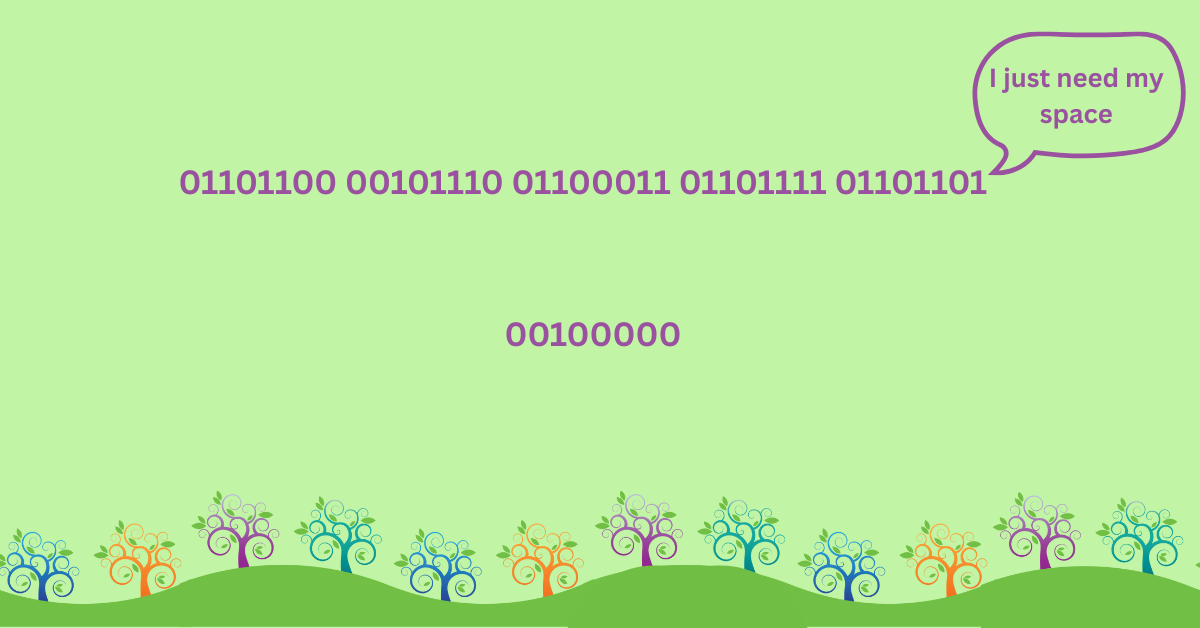
Let’s look at the last few characters in the binary string of both emails:
Email 1 (no space):
01101100 00101110 01100011 01101111 01101101
Email 2 (with space):
01101100 00101110 01100011 01101111 01101101 00100000
That last bit — 00100000 — is the binary code for a space. It’s invisible to you, but very real to your computer.
Why it matters
Imagine trying to match one list of email addresses to another. If Email 1 is in List A and Email 2 (with that trailing space) is in List B, they won’t match. Not because the person is different, but because the data doesn’t exactly align.
This is a surprisingly common issue:
- Lists don’t match
- Integrations don’t sync
- Records don’t update
…all because of a sneaky, invisible space.
How to fix it
Luckily, this is easy to spot and fix once you know where to look. Here are a few tricks:
- Sort the list
Leading spaces push records to the top when you sort. If something jumps out as weird, that’s your culprit. - Use Excel’s cleaning tools
Try this formula:
=TRIM(CLEAN(cell))
It removes hidden or non-printable characters.
- Use a wildcard search in your CRM
Add a filter like:
<field name> contains % %
This looks for fields that have an unexpected space — great for things like email addresses where a space shouldn’t be there at all.
This is one of those things that gets ignored because it seems trivial. But ignoring the trivial things in data leads to mismatched records, missed connections, and lost income.
Take time to proactively manage your data, and your data will love you back.
So will your fundraising team. And they should reward your excellent work with tea.
And possibly chocolate. Now chocolate you can’t accuse that of falling into the category “when nothing is something” chocolate is never nothing!